Baby's First Windows 2000 Laptop
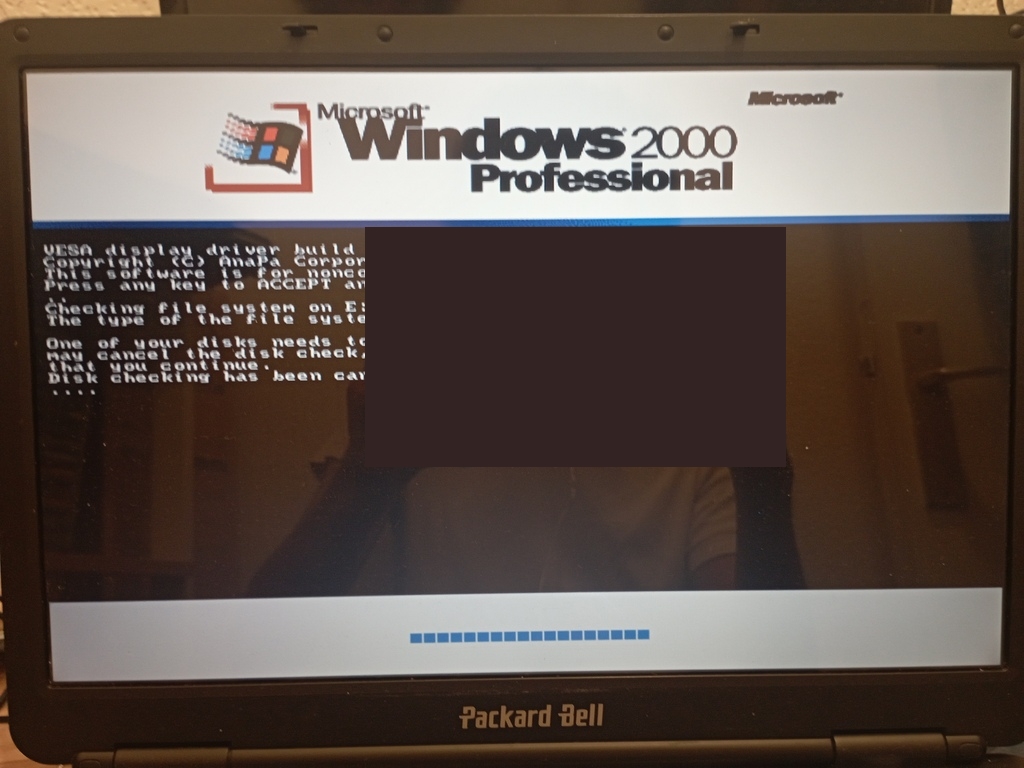
As seen in the previous post, trying to run Windows 98 on a computer that could technically support Windows 7 isn't really a recipe for success. Each and every aspect of your computer that is now taken for granted (USB, NTFS, Audio/GPU drivers, Ethernet/Wi-Fi) is so prone to failure it's honestly not worth a try; what good is such a setup if I can't even run a DOS game...
Therefore, I reluctantly decided to go back to an NT system. I had the choice between 2000 and XP, and ultimately decided to go for the former. Being an NT system, it supports NTFS partitions out of the box, and even defaults to it. Unlike for W98, the RAM usage limit would go beyond 512MB. It also supposedly handles most peripherals, USB included, in a very elegant and plug-and-play manner: W98's headaches should be no more. Ethernet and Wi-Fi are supposed to work (provided you find the right drivers), and same goes for the audio/display-related ones. The reason I took 2000 over XP was the supposedly better DOS compatibility, and the supposedly less resource-intensive operation of the system in the background.
In a similar fashion to my initial W98 Project, I still intend on using this laptop for three things mainly: Doujin games, DOS-driven C programming and DOS gaming in general. I know about the security threats involved with letting an old OS access to the Internet, so ultimately having functioning drivers for that goal wouldn't be that important. I do need USB to work though, there's only so much fun one could derive from spending his days writing all sorts of small programs to a disk. I don't have any RW disc at home, my desk looks like an environmental wasteland.
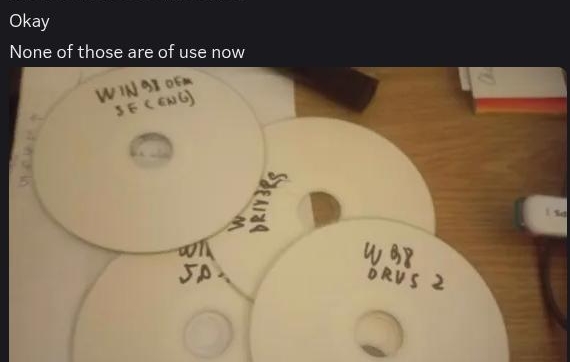
I took a Windows 2000 Professionnal ISO from archive.org, a Japanese one, burned it to a CD-R, let the installation run its course, and a couple hours later the installation would be complete. I also burned an SP4 executable and installed that in order to benefit from the USB 2.0 support. In the previous blogpost I made it sound like the decision to install Win2K was taken in the beignning of July, but in truth it was something I had decided upon in the middle of an unbearable heatwave. The laptop would get so hot that merely using the trackpad for a couple minutes left me with an irritation not too far from an actual burn, for the whole day. Then I had a lot of work to catch up with once the heatwave was over, it wasn't until July 3rd that I got enough free time to keep experimenting with the OS, one little day before my departure on vacation. I had to be quick, and make as much work as possible.
First, I had to ensure USB worked as intended: I hastily plugged in my mouse, then my USB stick, and to my relief they both worked as intended. With the hurdle of CD-burning out of the way, I was now able to install whatever I wanted. The process of screwing around with and installing a billion drivers could now take a minute per driver instead of 5-10, yay.
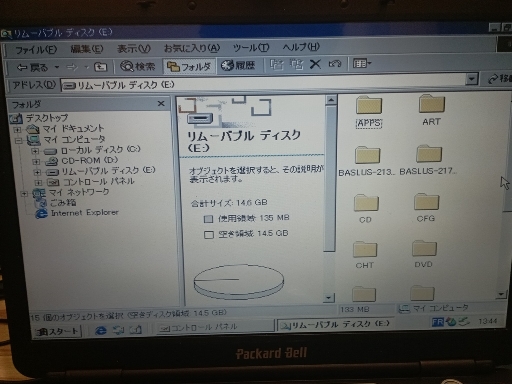
When I was on Windows 98, everyone seemed to use universal/generic drivers. Once I tried my way with them, some things worked and some broke, my plan was to do something similar with WIndows 2000. The Universal VBEMP Drivers were meant to work on NT, they were the first I gave a go to, in hopes of breaking out of the somewhat sad-looking 16-colored 640x480 screen resolution. After installing them, the boot screen for Windows 2000 would prompt me to press a key and accept the VESA display's terms... Well whatever, as long as it works.
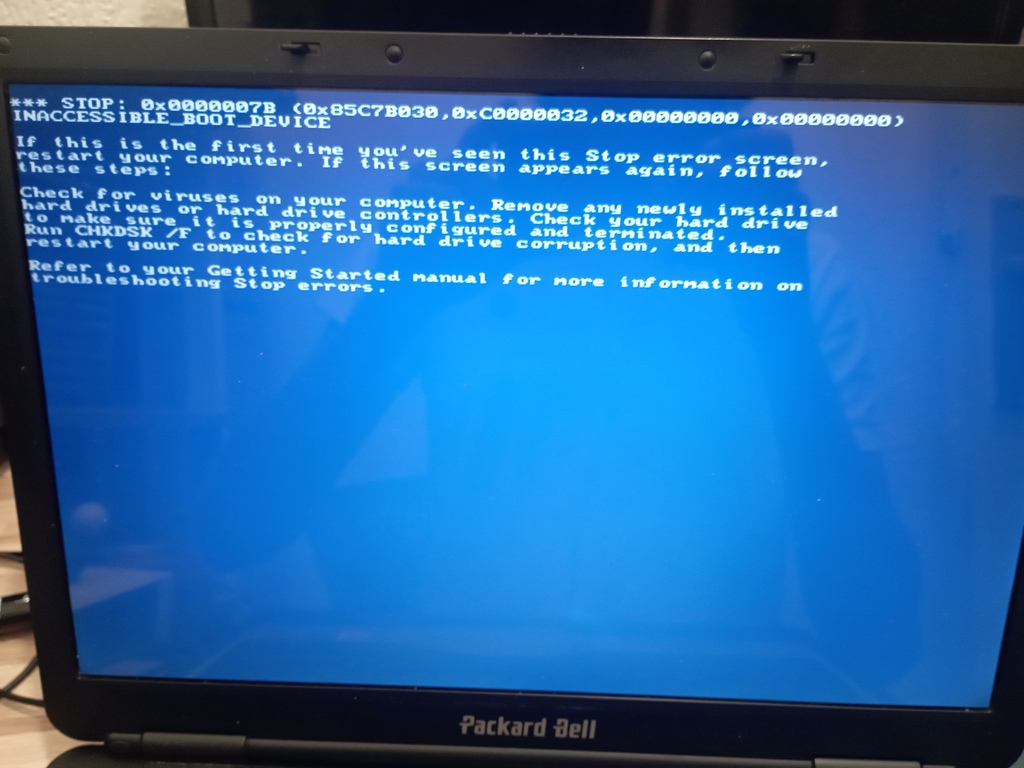
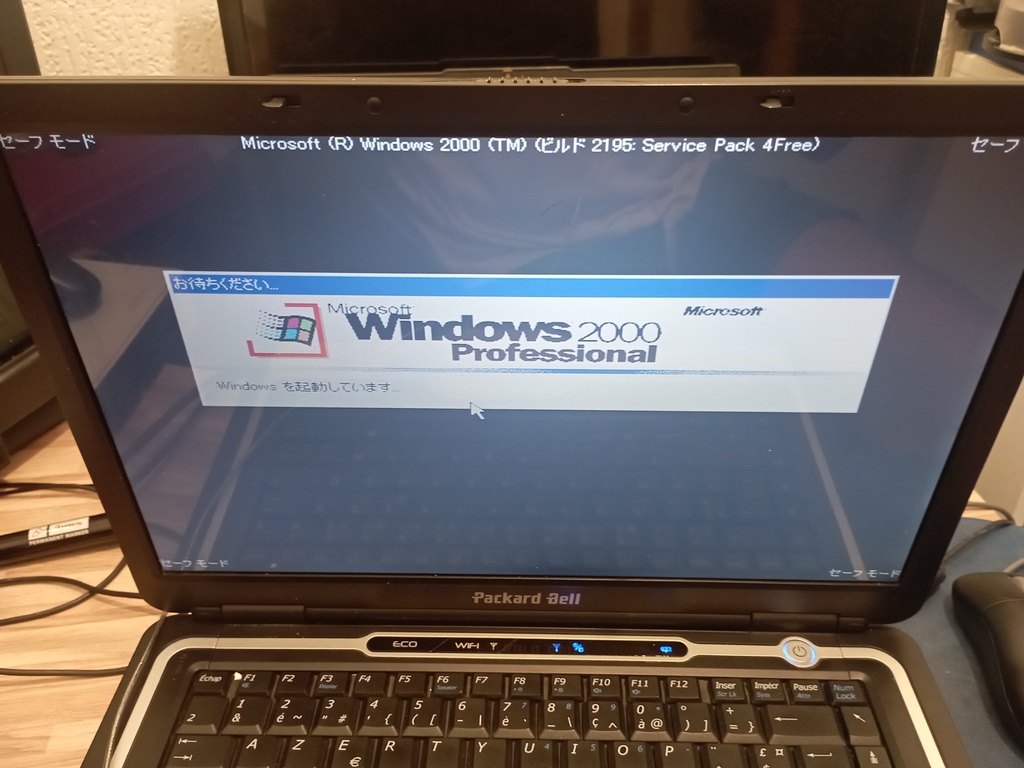
It didn't work. In the device manager, all the Miniport Intel devices had a yellow question mark in the top-left corner of their icon, and the error code 10 was given to them, meaning Win2K didn't bother using those drivers and reverted to the default VGA one. My next attempt was some "modern" driver written by a German guy and dsitributed over FTP exclusively. That one broke my display, so it was time to go into safe mode and uninstall everything manually: inf/sys files, registry entries, device manager entry, it all had to go. Accessing said safe mode, for some reason, was no easy task, as I would first be given an USB-related BSOD, then upon rebooting have to wait 15 minutes until the system would finally end up loading anything.
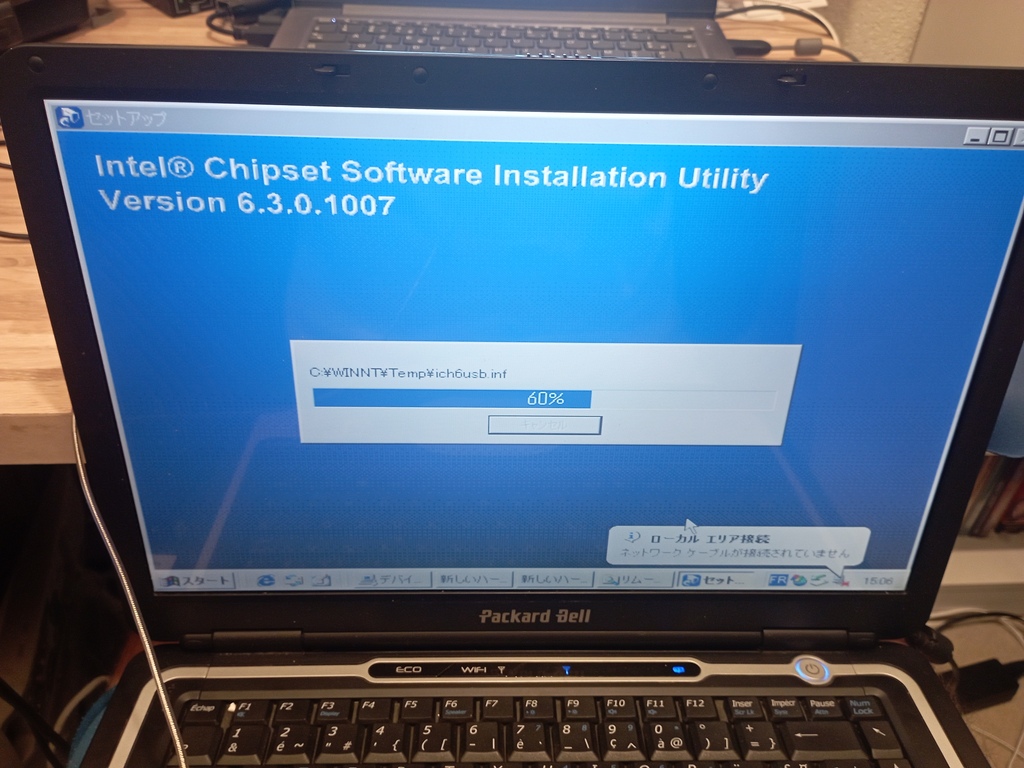
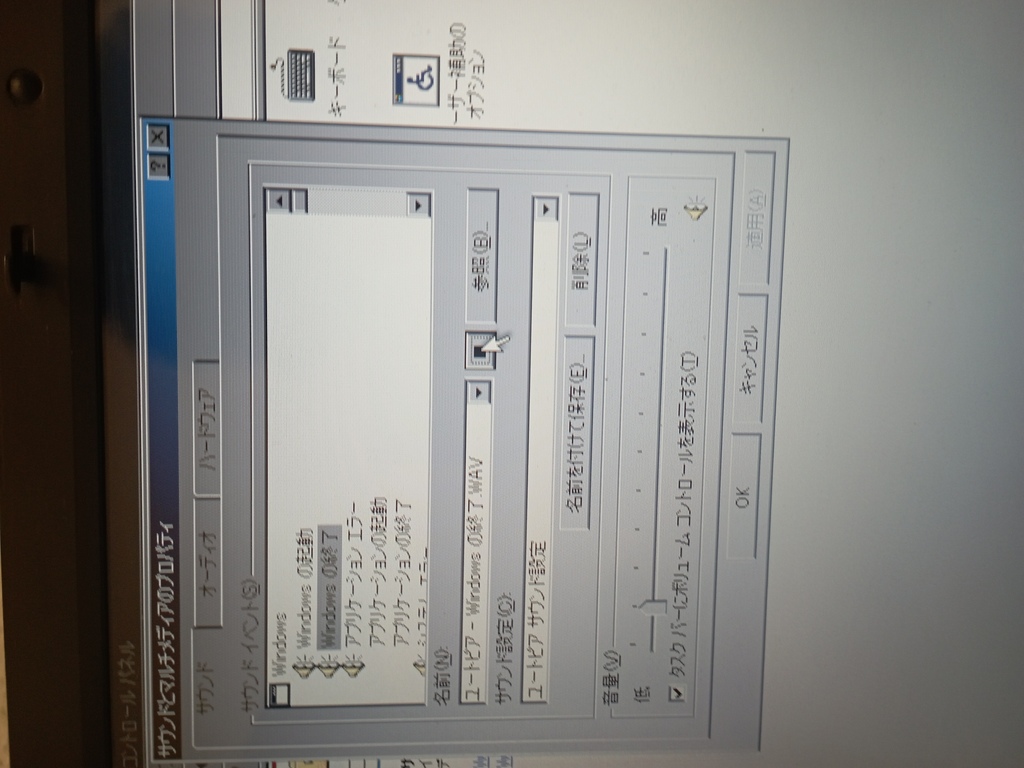
Since it's an NT system, installing more specific and "modern" drivers might be worth a shot. After all, Windows XP was relevant for quite the long time, with a bit of luck we could use those drivers on Win2K without much trouble. My "GPU" is still my Pentium M's chipset, so installing the chipset's drivers should help me unlock TrueColor and high resolutions. Sure enough, that did the trick. Installing Realtek drivers allowed me to use the HD Audio speakers and headphones as well, what a victory.
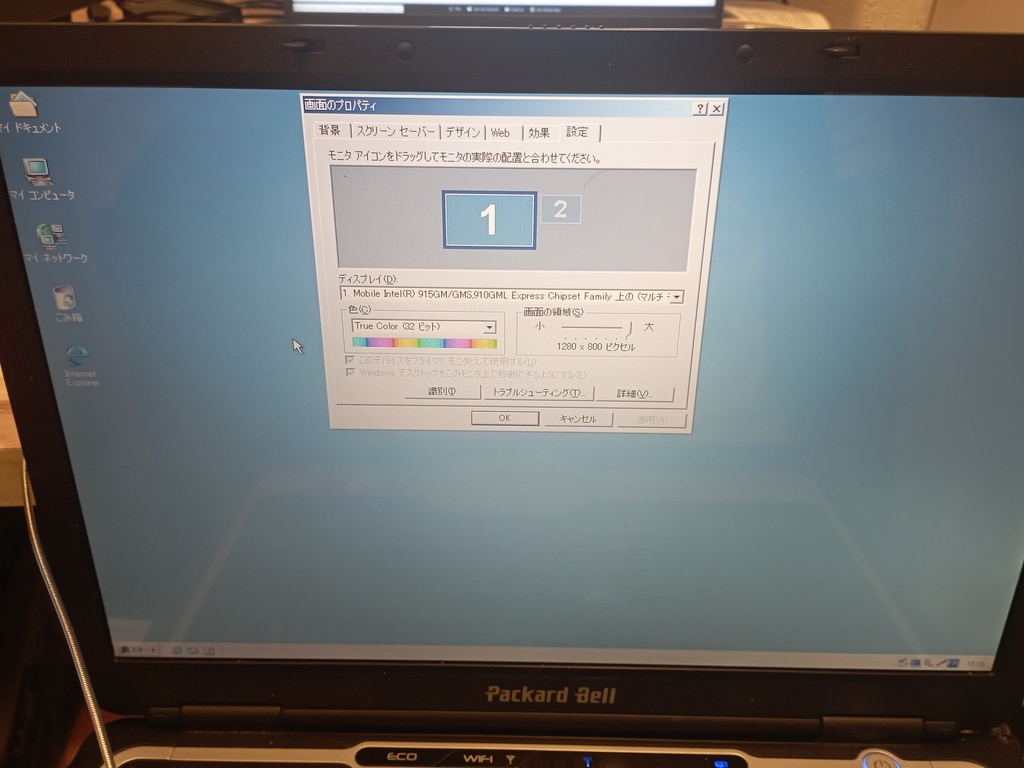
Now that both the video and the audio are working, it was time to test some games on that thing. Queen Of Heart '99 SE worked with some slight audio desync/stutter issues, could be on the hard drive since using MIDI music seemingly solved that. Wangan Dream worked after installing a patch that makes the game NT-compatible. House Of The Dead refused to install itself after detecting that my system isn't WIN98, happens. Surprisingly enough, all of my DirectInput controllers worked out of the box, including my MayFlash F300.
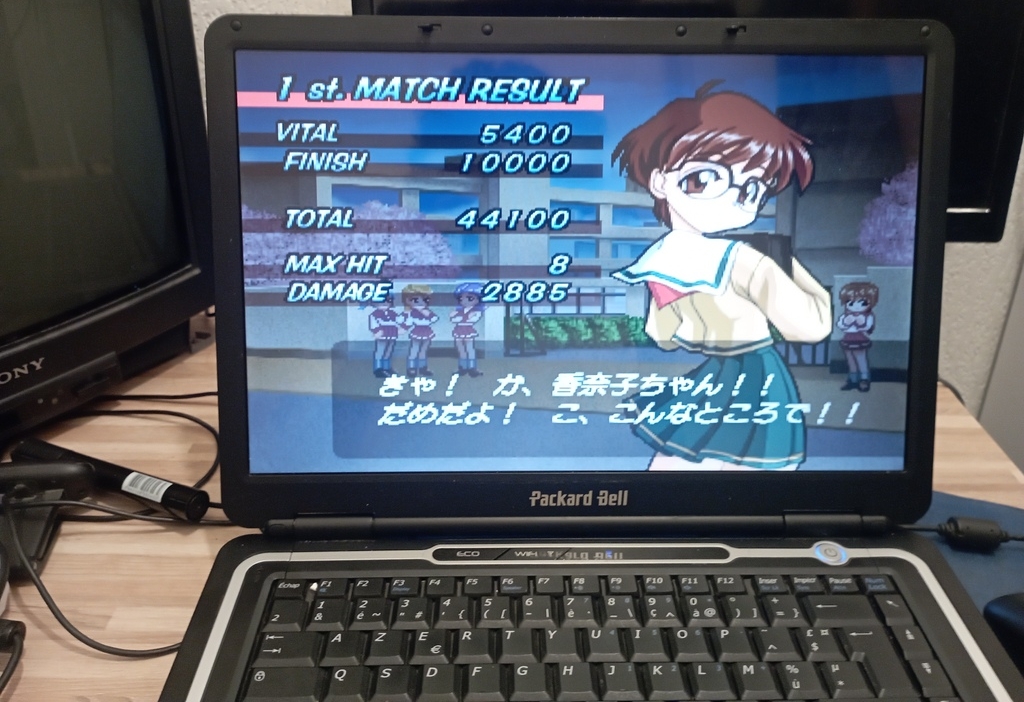
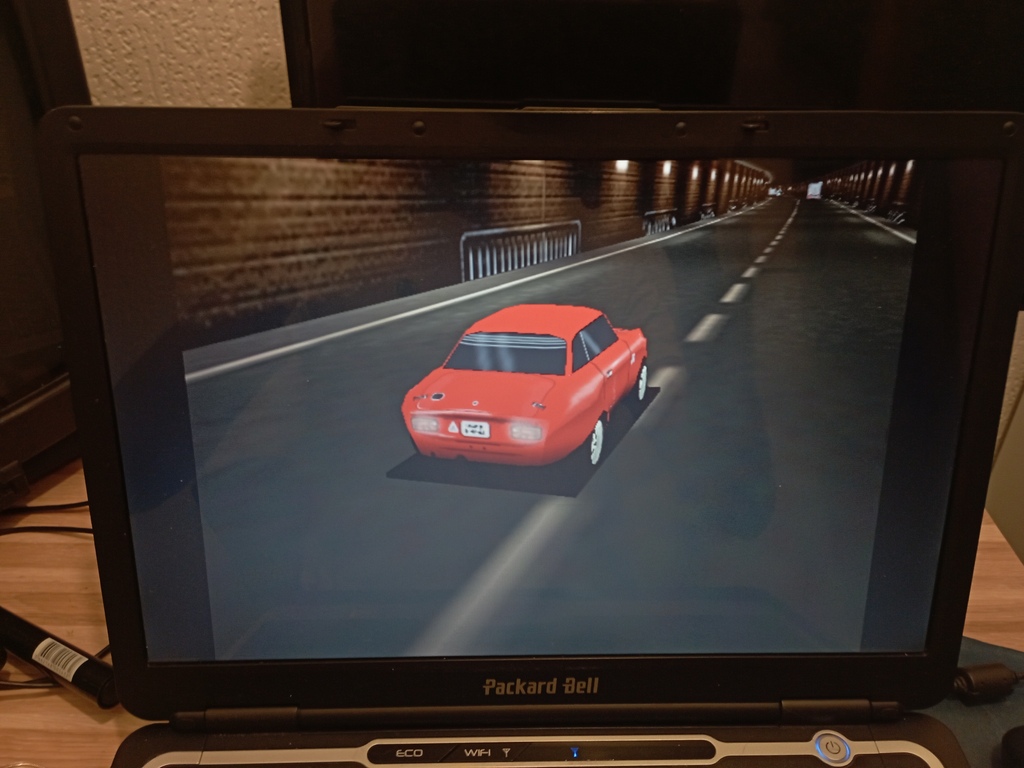
What about DOS games though ? This is when everything started crumbling apart. System Shock blueballed me by letting me play for a second then crashing as soon as I'd start looking anywhere. Microsoft Space Simulator would corrupt the graphics and render the OS unusable until I'd press the shutdown button. Things were starting to look disappointing.
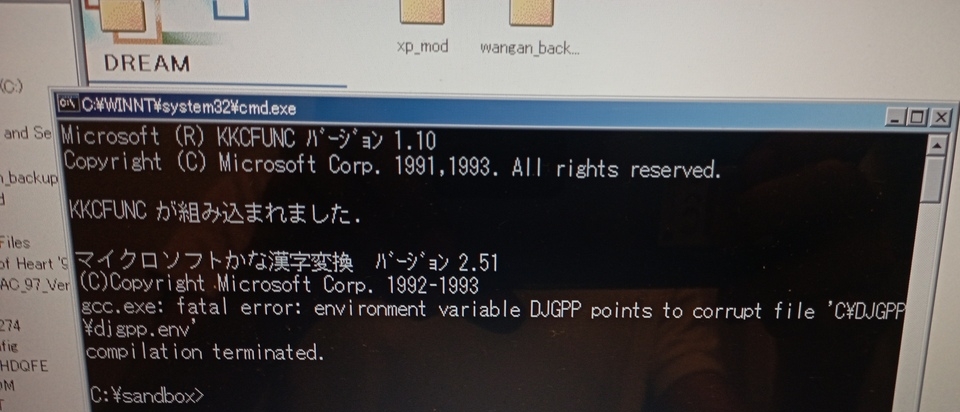
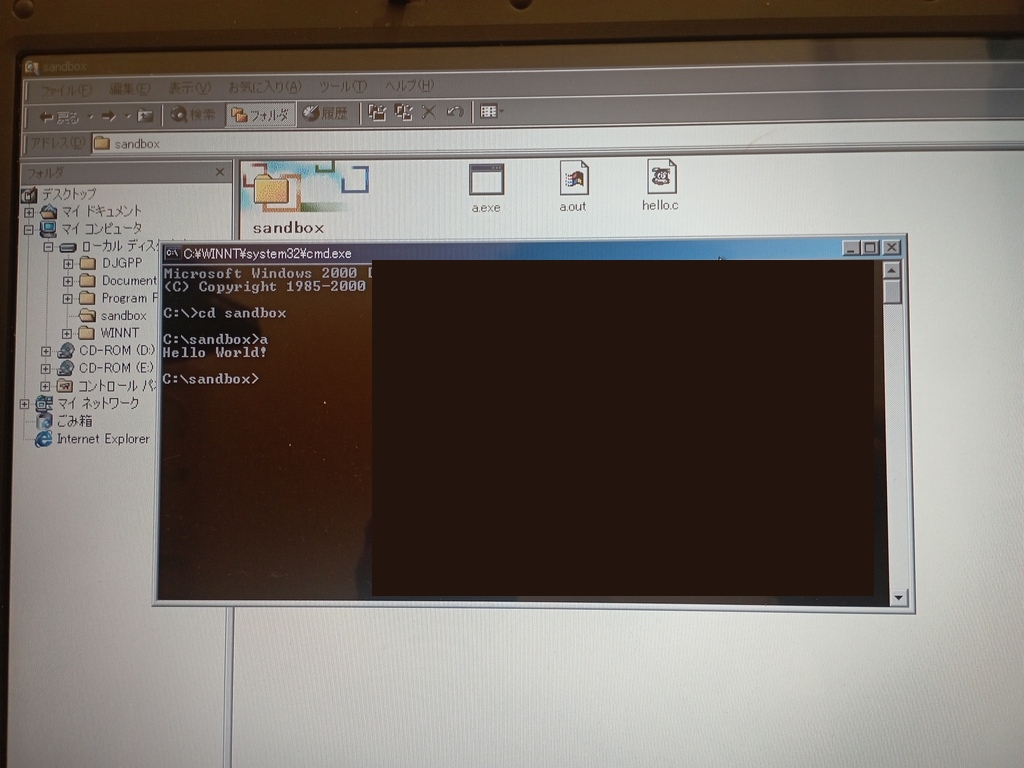
Well, it can't be helped. Let's forget about that part for now and see instead if we could get a C-friendly environment installed. I opted for DJGPP with Allegro 4 (a DOS-compatible game development library), and Crimson Editor to write the code. Installing the files wasn't a hard process, not with a USB key to move all the files from my Linux laptop to my win2k one. At some point, GCC refused to compile anything as it would treat the "DJGPP" environment variable like it was corrupted. I quickly understood this was a locale issue, caused by the "\" character, not a big deal as long as I remember to redefine that variable by hand before doing any work. That, or changing the Locale to English (US) do the trick. I wrote my first Hello World, ran it, and was satisfied enough with the result to keep it at that.
Allegro comes bundled with a configuration tool, as well as a few example programs of what the library is capable of. RUnning those programs worked for the most part, though some crashd for no reason. The issue was that in DOS mode the '<' and '>' key aren't recognized, making the usage of the RHIDE C editor impossible. Same goes for all the Audio and MIDI drivers, not optimal to test out a game. So my Win2000 is good to go for anything but DOS, which is frustrating. It was already 21h, not leaving me a lot of time, but I decided to install FreeDOS after resizing the current partition and making enough space for it. Apparently, I needed to set the DOS partition at the beginning of the disc, and format it to FAT32. PLus, Win2000's disk manager doesn't let you do any ask of the kind, so I had to find another way.
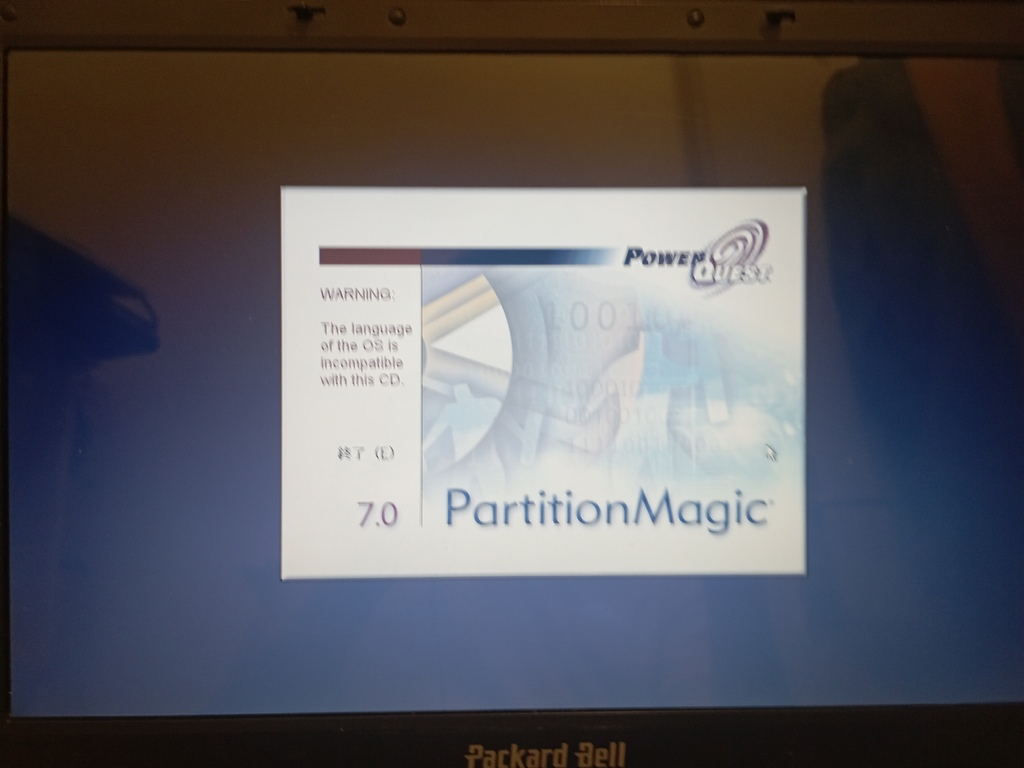
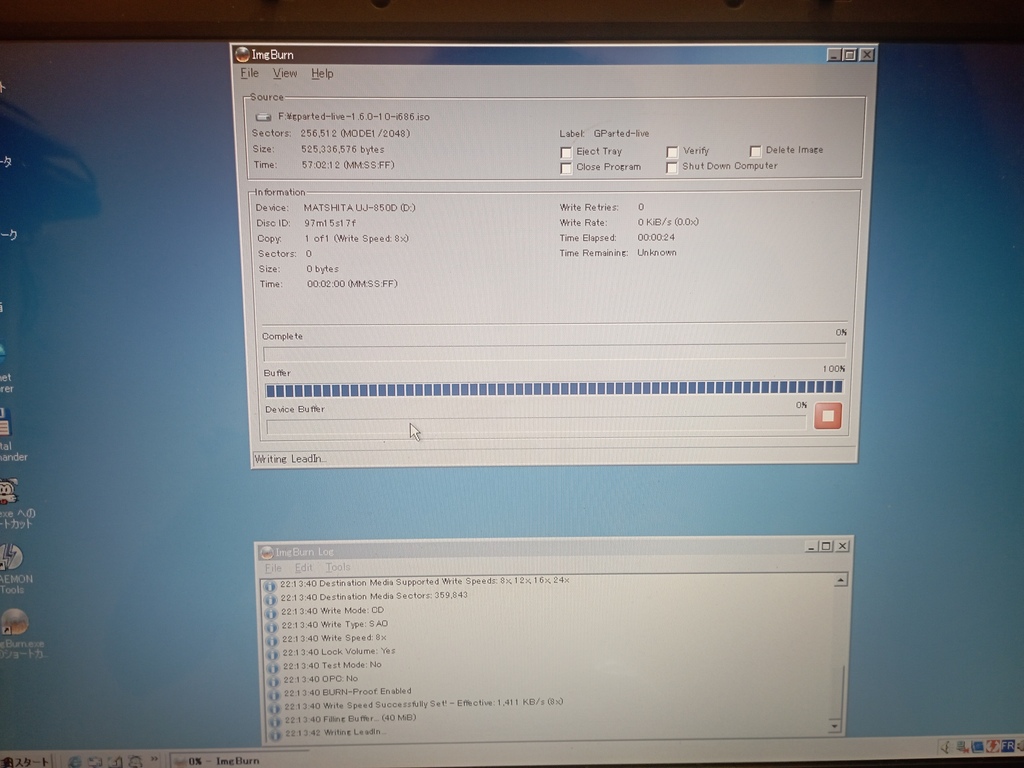
I tried making a bootable CD with GParted's x86 build, it never reached the graphical interface. I then tried Partition Magic 7.0 and it complained about my language being unsupported. Finally, I tried Partition Logic and it would keep telling me it can' load any drivers before shutting down.
I get it. I understand the assignment. Once I'm back from vacation, I will NUKE the whole hard drive and reinstall Windows 2000 from scratch along with its drivers, this time by setting up DOS first, to make sure I have the best of both worlds. I could even try my luck with a triple FreeDOS/Win98/Win2K boot, we'll see. This is only the beginning, until next time.